Artisan Botanicals
Welcome to our official interactive product showcase demo! Browse our items and test direct ordering.
Featured Products
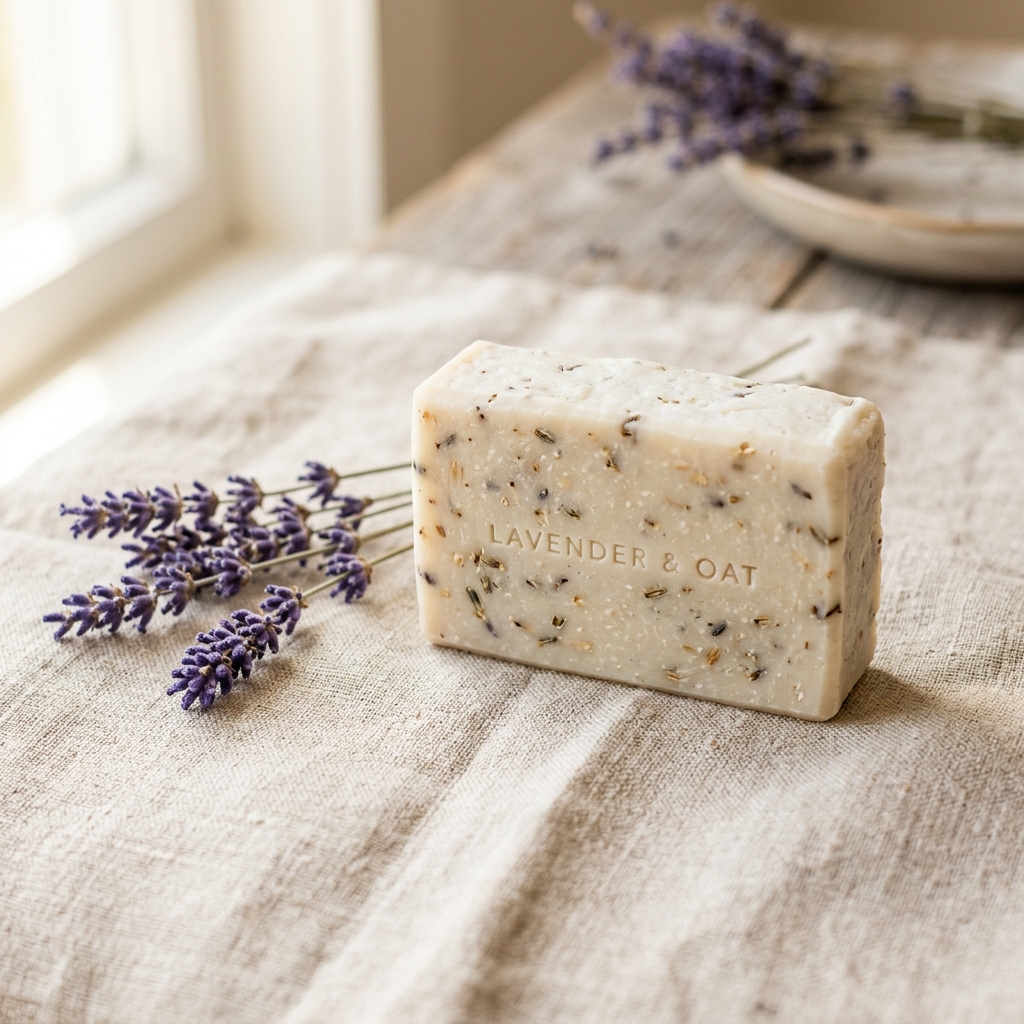
Lavender Oat Soap

Eucalyptus Mint Candle
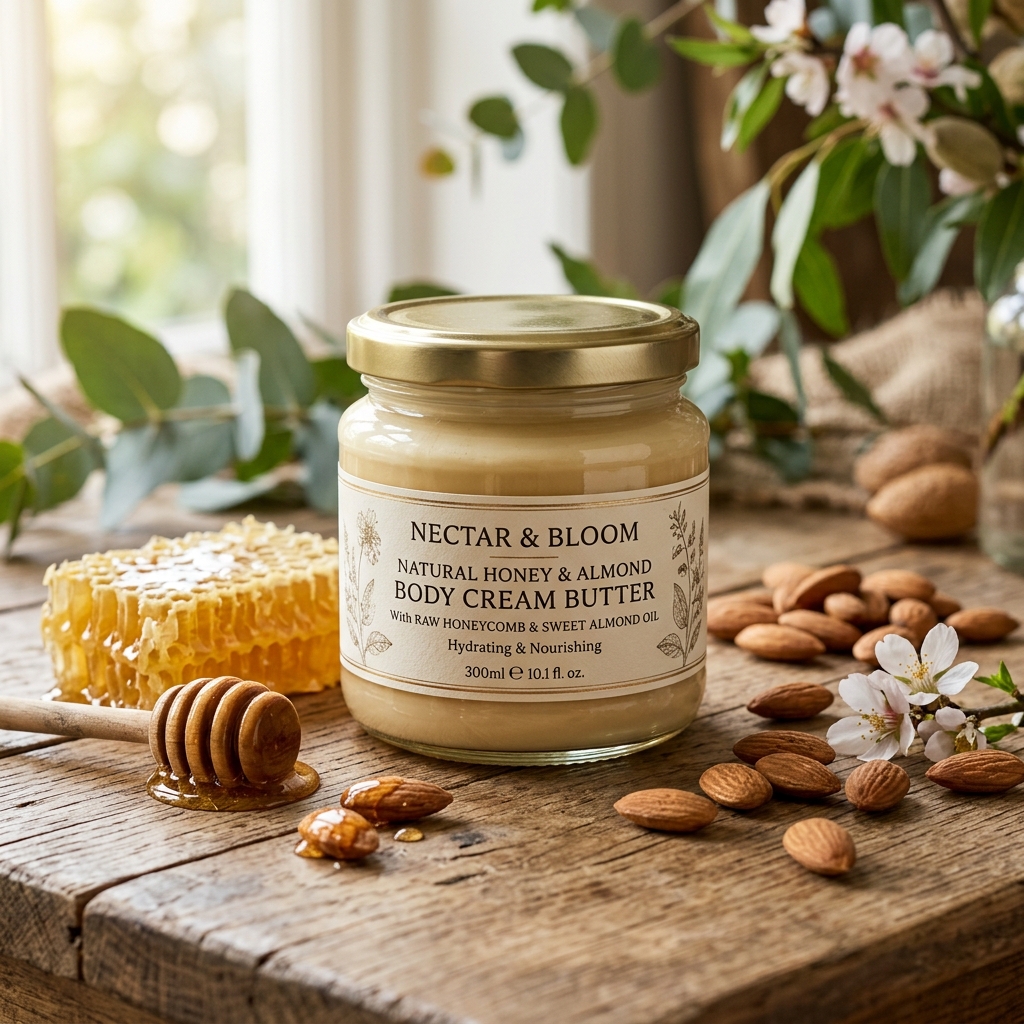
Honey & Almond Body Butter
Citrus Sunshine Soap
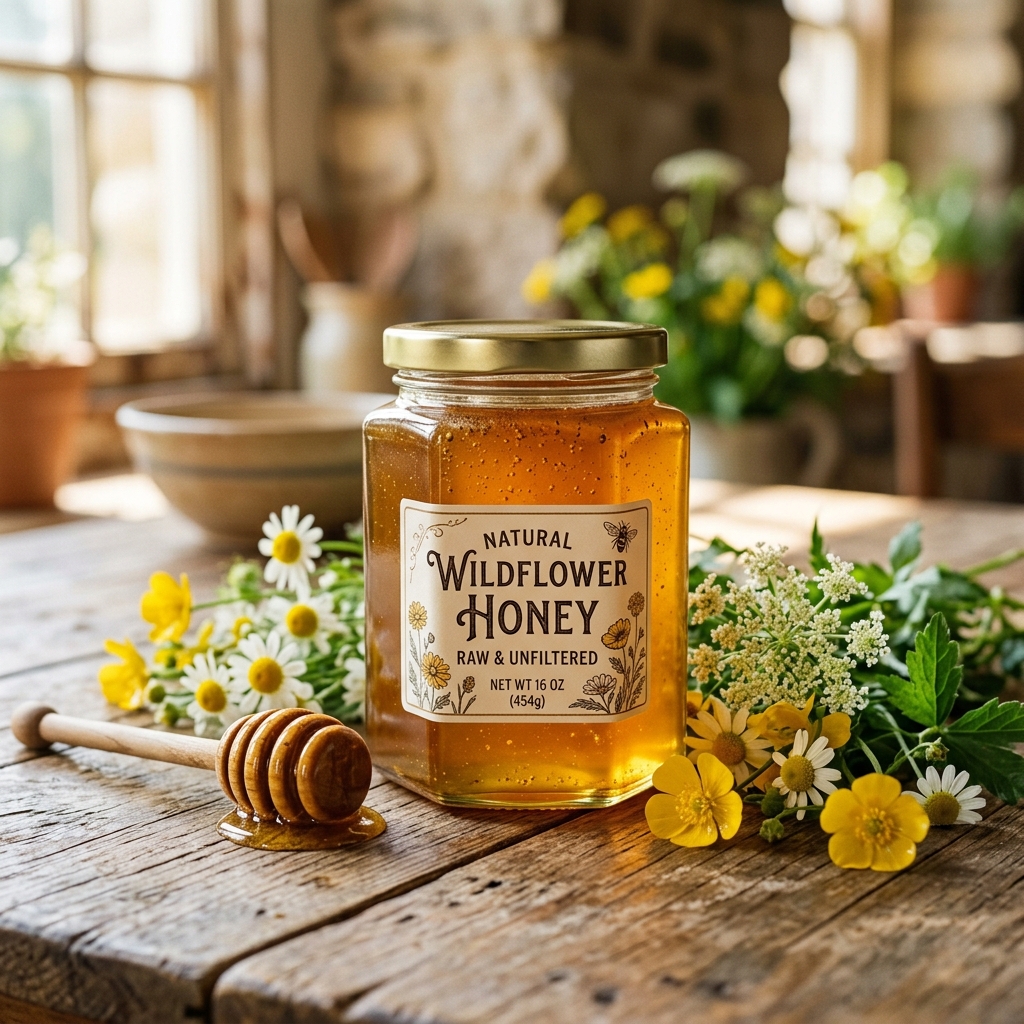

Handcrafted Ceramic Mug
📞 Contact Merchant & Place Orders
Select products from our catalog to add them to your order drawer, or reach out to us directly through any of our active communication channels!
MyNextWebsite Digital Showcase Engine
High-performance, mobile-first product catalogs for artisan sellers, local shops, and pop-up merchants. Accept direct customer orders via WhatsApp, SMS, or Email without transaction fees or shopping carts.
Built for Speed, Simplicity & Conversions
Everything local merchants need to showcase products and receive direct orders.
1. Instant Email PIN Login
Merchants log into /admin securely via Cloudflare Zero
Trust one-time email PIN code. No passwords to remember or reset!
2. Easy Product & Image Management
Add product photos, categories, and badges like 🌟 Featured, 🆕 New Arrival, or 🌿 Seasonal. Bulk import spreadsheets in 1 click!
3. Multi-Channel Direct Ordering
Customers select items and contact you via WhatsApp, Text Message (SMS), Email, or Messenger with a pre-filled item order list.
4. Printable QR Card Generator
Generate high-resolution storefront QR code cards in 1 click. Print and display at farmers market booths, counter tops, or flyers!
📖 Complete Store Owner & Customer Guide
Send these instructions to new store owners to get them up and running in under 5 minutes!
🌟 Welcome to your MyNextWebsite Digital Product Showcase!
Congratulations! Your business now has a modern, professional, mobile-friendly digital catalog. Your customers can scan your QR code or click your link, browse your items, and contact you directly to order via WhatsApp, SMS, Email, or Messenger—without any complicated shopping carts, passwords, or transaction fees!
🚀 How to Manage Your Catalog in 5 Minutes
1. Accessing Your Admin Dashboard
-
Go to your store admin web link:
https://yourbusiness.mynextwebsite.net/admin(or click the discreet footer link at the bottom of your catalog). - Enter your approved email address to receive a secure login code (protected by Cloudflare Access security—no passwords to remember!).
2. Business Branding, Custom Announcements & Order Channels
-
From your admin dashboard (
/admin), click ⚙️ Store Settings & Order Channels. - Business Branding & Logo: Update your Business Name, Tagline, and upload your brand logo image.
- Top Announcement Bar & Hero Notice Card: Enter an optional top announcement banner (e.g. Free Shipping over $35) and custom hero notice card (e.g. Accepted payment methods, pickup hours, shipping policies).
- Social Links & Footer Icons: Enter your Instagram, TikTok, X (Twitter) handles, and public Facebook Page / Group URL for social footer buttons.
- Custom Store Section Headings: Customize storefront section titles (e.g. rename Featured Products to Handmade Collection or customize contact instructions).
- Order Delivery Channels & Methods: Enable/disable order channels (WhatsApp, Text Message/SMS, Email, Facebook Messenger username for personal/business profile selling, or Copy to Clipboard) and set your primary preferred method.
- Visual Themes & Language: Select your default language (English or Spanish) and pick from 6 curated visual themes.
3. Adding or Updating Products
- Click + Add New Product on your dashboard.
- Fill in the Product Name, Category, and Base Price.
- Write a short description and add product variants if needed (e.g., scents, sizes).
-
Select badges to highlight your product:
- ⭐ Featured: Displays product on your homepage top section.
- 🆕 New: Highlights brand-new arrivals.
- 🌿 Seasonal: Perfect for holiday or limited-time items.
- Upload product images.
- Click Save Product! Your website catalog updates immediately.
4. Bulk Importing Products from CSV
-
On your admin dashboard (
/admin), click 📥 Import CSV. - Select any product spreadsheet CSV exported from Square, Shopify, Excel, or Google Sheets.
- Smart Column Remapping: Map your CSV columns
to Showcase fields (
Nameis the only mandatory field;Category,Price,Description, andImage URLare optional). - Review the 5-row live import preview and click 🚀 Import Products Now.
5. Downloadable Printable QR Code Card
- Go to your Admin Dashboard.
- Find your Storefront QR Code section featuring your business name on top and website URL underneath.
- Click ⬇️ Download High-Res QR Card (PNG) to save a printable card for your farmers market booth, counter stand, or promotional flyers!